




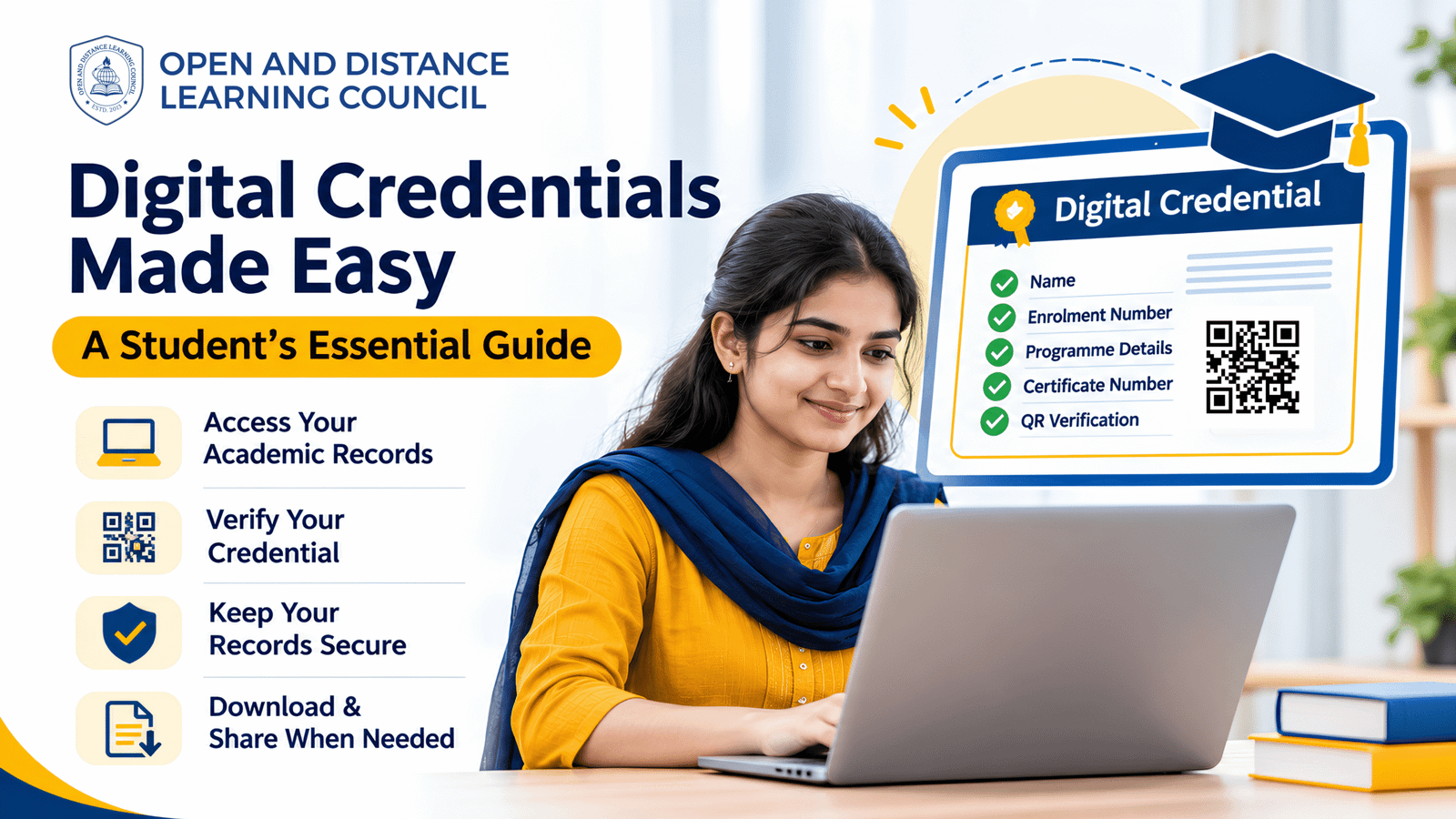
Today, students can manage many academic services online. They can check results, access learning resources, and view important records through digital platforms. A digital credential is an electronic record of a learner’s achievement or qualification. It may include a certificate, mark sheet, or other academic document.
At ODLC, eligible digital credentials support secure access and online verification. This guide explains how ODLC learners can access, check, and protect their academic credentials.
What Is a Digital Credential at ODLC?
A digital credential is an electronic document that records a learner’s academic achievement. It may show details such as the learner’s name, enrolment number, programme, certificate number, and results.
For eligible ODLC credentials, these details help learners and other stakeholders identify and verify the record.
However, credentials are issued only after learners meet the applicable programme, assessment, examination, and practical requirements.
Why Is a Digital Credential Important for ODLC Learners?
Digital credentials help learners manage their academic records with greater ease.
For example, eligible ODLC credentials may support:
- Convenient access to academic documents
- Online verification of certificates
- Secure sharing of credentials
- Record keeping for future applications
- Verification requests from employers or institutions
In addition, ODLC maintains digital academic records for learner registration, assessments, examinations, results, and eligible credentials.
How to Access Your ODLC Digital Credential
The steps may vary by programme and learner eligibility. Therefore, use the official ODLC website or the platform listed in your programme instructions.
To begin:
- Visit the official ODLC website.
- Open the relevant learner service, result, or credential section.
- Enter the details requested by the portal.
- Follow the instructions to view or access your record.
- Save a copy securely, when available.
If you cannot find your document, contact ODLC through its official support channels.
How to Verify an ODLC Digital Credential
ODLC provides verification options for eligible credentials. These methods help learners, institutions, and employers check the authenticity of academic records.
QR Code Verification
First, check whether your credential includes a QR code. If it does, scan it using a suitable device.
Then, review the information shown on the official verification page. Make sure the details match your document.
Online Credential Verification
You may also use ODLC’s official verification facility. Enter the required credential details and follow the instructions.
Email Verification
If you need further assistance, send a clear copy of the credential to verification@odlc.ac.in.
Include your name, enrolment number, certificate number, and the purpose of the request. This helps the verification team identify the record.
Digital Credential Access Through DigiLocker
Eligible ODLC-issued digital credentials are available through DigiLocker. This service allows learners to access and share supported documents electronically.
However, availability may depend on the credential and the learner’s record. Therefore, check the official ODLC instructions and DigiLocker account for access.
Keep your account details private. Also, share documents only with the people or organisations that need them.
What Details Should You Check on Your Digital Credential?
After accessing your credential, review the information carefully.
Check the following details:
- Learner’s name
- Enrolment number
- Programme details
- Academic session
- Certificate number
- Results, grades, or grade points, where shown
- Centre code, where applicable
- QR code or verification details
If you notice an error, contact ODLC through its official verification channel. Provide the required details and supporting documents.
How to Protect Your ODLC Digital Credential
Academic records contain personal information. So, it is important to keep them safe.
To protect your digital credential:
- Use strong passwords for your accounts.
- Do not share login details with others.
- Download documents from official platforms.
- Keep a secure backup of important records.
- Check the recipient before sharing a credential.
- Avoid posting certificates publicly.
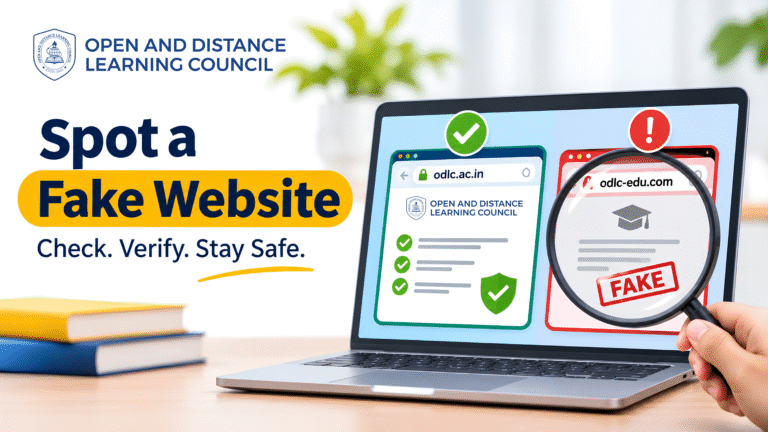
Also, be careful with messages that ask for passwords or payment to release a document. Confirm such requests through official ODLC channels.
Can an ODLC Digital Credential Be Used for Jobs or Further Studies?
Learners may present ODLC credentials for employment, further education, or other relevant purposes.
However, acceptance depends on the requirements of the receiving university, employer, government department, or evaluating authority.
Therefore, check those requirements before submitting your credential. If needed, request verification through ODLC’s official process.
Digital Credential Checklist for ODLC Learners
Before sharing or using your credential, make sure you have:
- Accessed the record through an official platform.
- Checked your name and enrolment details.
- Reviewed the programme and certificate information.
- Confirmed that the QR code or verification details are clear.
- Saved a secure copy of the document.
- Checked the receiving organisation’s requirements.
- Requested correction or verification if needed.
Conclusion
A digital credential helps ODLC learners access and share eligible academic records in electronic form. It also supports online verification through official services.
First, access your credential through the correct platform. Next, check the details and use the available verification options. Finally, store the document safely and confirm the requirements before sharing it.
By following these steps, learners can manage their ODLC academic credentials with greater confidence.
Access your records. Verify your credential. Keep your achievements secure.