




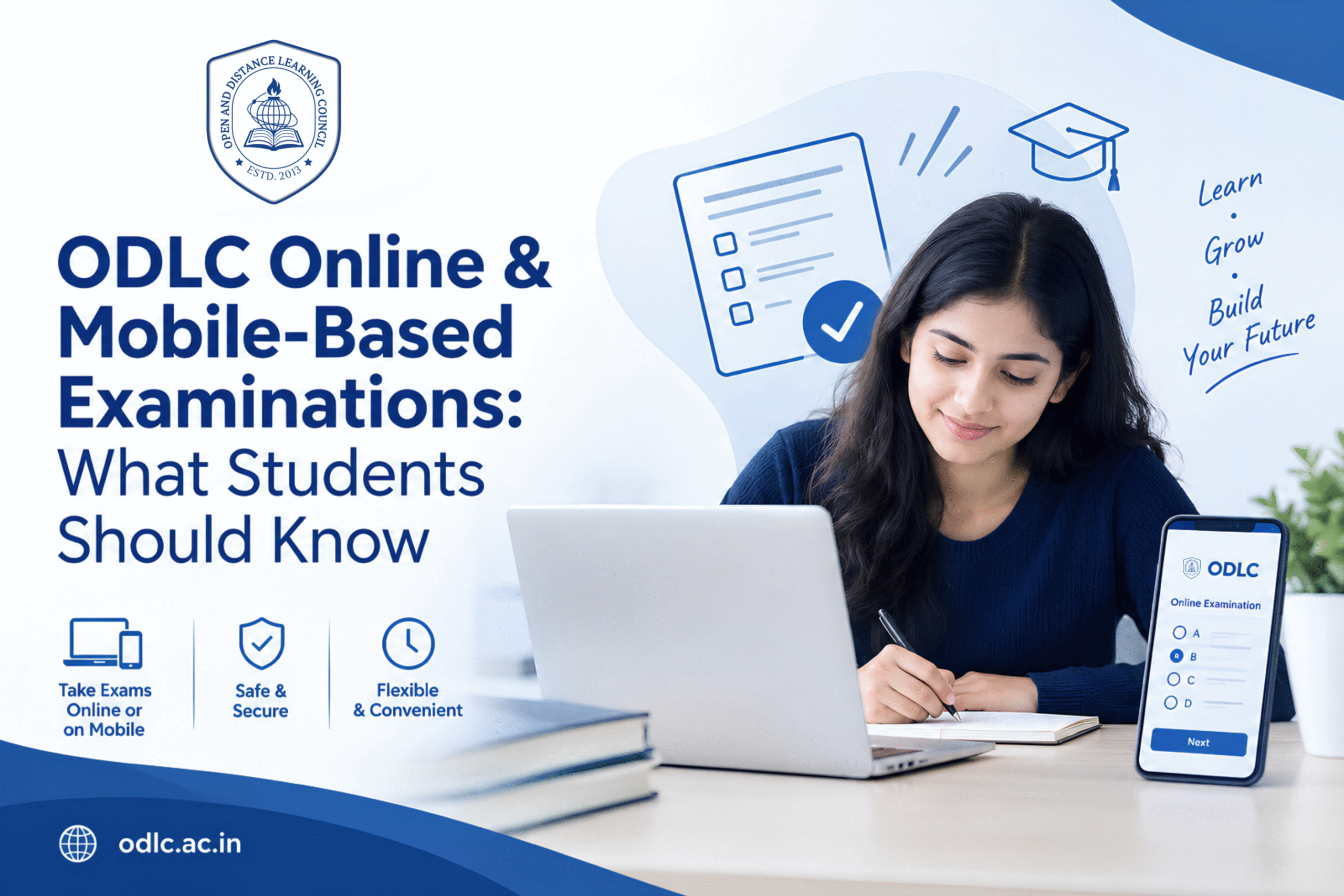
For students looking for flexible education and digital learning support, ODLC online services can make the learning journey more convenient. Students can access learning resources, follow academic guidance, and prepare for assessments through available digital platforms. However, the exact examination method can vary depending on the programme. Therefore, students should always check the latest official instructions for their specific programme.
Examinations are an important part of completing an education programme. With the growing use of digital learning, some students may also need to understand online or mobile-based examination processes. As a result, knowing what to expect can help students prepare better and avoid last-minute problems.
In this guide, we explain ODLC online examinations in simple language. We will also look at exam preparation, device readiness, internet requirements, study planning, and important points students should remember.
What Does ODLC Online Mean?
ODLC online refers to learning and digital services that can be accessed through online platforms. These services can help learners study, access learning materials, receive guidance, and manage parts of their academic journey.
ODLC provides distance learning options along with digital learning support. Its programme pages describe access to learning materials, learner support, academic counseling, assignments, and examination guidance.
Therefore, students can use digital tools to stay organised throughout their learning journey.
How Do ODLC Examinations Work?
Examinations are an important part of academic assessment. However, the examination process is not the same for every programme.
For example, ODLC programme information describes theory examinations and, where applicable, practical examinations. Some vocational programmes can also include skill demonstrations and internship evaluation.
As a result, students should not assume that every ODLC programme uses the same exam format.
Before an examination, students should check:
- The official examination instructions
- Examination date and schedule
- Programme-specific assessment rules
- Required documents or identification
- Theory or practical requirements
- Any technical instructions
- Submission or attendance requirements
Most importantly, students should use the latest official instructions for their programme.
Is ODLC Online Examination Available for Every Programme?
This is an important question for students.
The availability and format of an online or mobile-based examination can depend on the programme and the instructions issued by ODLC. Therefore, students should check their programme information before making exam plans.
ODLC programme pages confirm the use of digital learning resources and learner support. They also describe examinations for different programmes. However, this does not mean that every examination is necessarily conducted online or through a mobile phone.
So, if your programme provides an ODLC online examination option, follow the specific instructions provided for that examination.
How Students Can Prepare for ODLC Online Exams
Good preparation can make an online assessment much easier. Fortunately, students can follow a simple plan.
1. Understand the Syllabus
First, read the syllabus carefully. Identify the subjects, modules, and important topics.
Next, divide the syllabus into smaller sections. This makes your study plan easier to follow.
2. Use the Learning Materials
ODLC provides learning resources for its programmes. Depending on the programme, these may include digital or printed study materials.
Therefore, start with the materials provided for your course. Read each topic and make short notes.
3. Follow a Study Schedule
A simple study schedule can save time.
For example, you can divide your study day into three parts:
- Learn a new topic
- Review an earlier topic
- Practise questions
As a result, you can build knowledge while also improving recall.
4. Practise Before the Exam
Practice is especially useful before an examination.
Try answering questions without looking at your notes. Then, review your answers and identify areas that need more study.
Furthermore, practise writing short and clear answers when your programme requires written responses.
Check Your Device Before an ODLC Online Exam
If your programme includes an online examination, technical preparation is also important.
Before the exam, check your device and internet connection. Make sure your device has enough battery or is connected to a power source.
You should also check:
- Internet connectivity
- Browser or required application
- Camera or microphone, if required
- Login details
- Device storage
- Date and time settings
- Required permissions
However, do not install or use any application unless it is mentioned in the official examination instructions.
Can Students Use a Mobile Phone?
Mobile learning can make education more flexible. ODLC programme information also describes mobile-friendly learning resources.
However, students should clearly separate mobile learning from mobile-based examinations.
A student may be able to access learning content through a mobile device, but that does not automatically mean that the examination can be taken on a phone.
Therefore, if an examination is offered through a mobile device, follow the official instructions about the supported device, application, browser, login process, and technical requirements.
What Should Students Do on Exam Day?
Exam day becomes easier when you prepare in advance.
First, keep your required documents and login details ready. Next, make sure your device is charged and your internet connection is stable.
Then, log in according to the instructions provided by ODLC or the relevant programme authority.
During the examination:
- Read every question carefully.
- Manage your time.
- Follow all exam rules.
- Avoid switching between unauthorised applications.
- Save or submit answers as instructed.
- Contact the approved support channel if a technical problem occurs.
Most importantly, stay calm and focus on the examination.
What If There Is a Technical Problem?
Technical issues can sometimes occur during digital activities. Therefore, students should prepare for them before the exam begins.
If a problem occurs, do not panic. First, check your internet connection and device. Next, follow the troubleshooting steps given in the official examination instructions.
If the problem continues, contact the designated ODLC support channel or examination support team.
Also, keep any relevant information about the issue, such as the time of the problem and any instructions you received. This can help when reporting the issue.
Tips for a Smooth ODLC Online Examination
A few simple habits can improve your exam experience.
Before the exam:
- Complete your preparation early.
- Read the exam instructions.
- Check your device.
- Test your internet connection.
- Keep required documents ready.
- Charge your device.
- Choose a quiet place.
During the exam:
- Read questions carefully.
- Watch the time.
- Follow examination rules.
- Avoid unnecessary distractions.
- Submit your answers correctly.
After the exam:
- Confirm that your submission was completed, if the system provides confirmation.
- Save any permitted confirmation details.
- Follow further instructions from ODLC.
Why Digital Examination Preparation Matters
Digital education requires more than subject knowledge. Students may also need basic digital skills.
For example, learners may need to log in, open learning resources, access an assessment system, upload information, or follow digital instructions.
Therefore, becoming comfortable with basic online tools can improve confidence.
In addition, good digital habits can help students manage their studies more effectively. They can organise files, track important dates, and stay connected with academic support.
Important Things Students Should Remember
The most important point is that ODLC online services and examination methods can differ by programme.
Therefore:
- Check your programme instructions.
- Follow the latest examination notice.
- Prepare your study materials early.
- Check your device if an online exam is scheduled.
- Follow all examination rules.
- Use only approved platforms and links.
- Contact official support when you need help.
By following these steps, students can reduce last-minute stress and prepare with greater confidence.
Final Thoughts
Overall, understanding the examination process is an important part of the student journey. ODLC online learning and digital support can make education more flexible, but students should always check the requirements of their own programme.
First, understand your syllabus. Next, use the available study materials. Then, practise regularly. Finally, check all examination instructions before the exam.
Most importantly, do not assume that every programme follows the same online or mobile exam process. Instead, follow the latest official ODLC instructions for your programme.
With good preparation, careful planning, and the right digital readiness, students can approach their examinations with greater confidence.